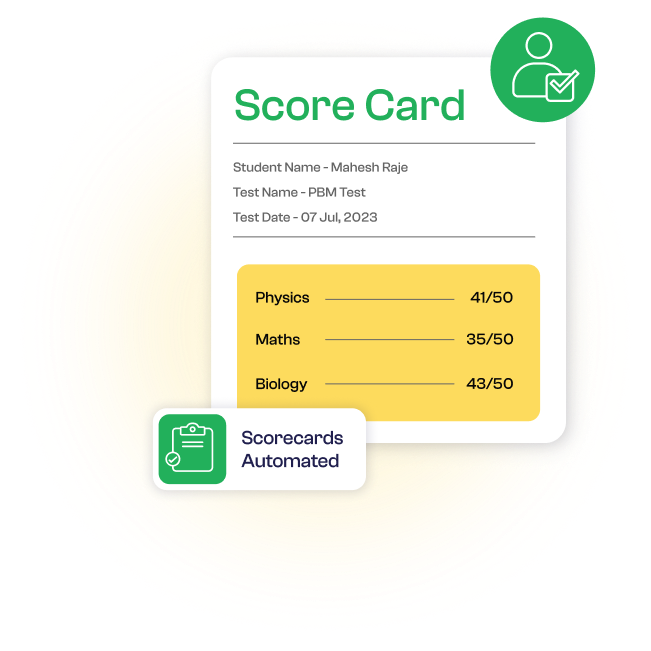
Student Performance
This feature empowers coaching classes to efficiently manage and communicate student examination-related information. It enhances transparency and collaboration among students, parents, and teachers by providing a streamlined process for updating and accessing exam schedules, notifying about marks, and generating exam scorecards.
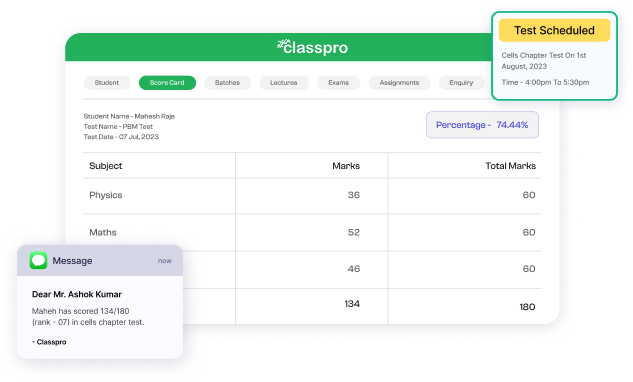

Comprehensive Evaluation
Scorecards provide a holistic view of a student's performance in various subjects.

Easy Record-Keeping
Both students and parents can maintain a record of the scorecards for future reference.

Informed Decisions
Parents can stay informed about their child's progress and make informed decisions regarding additional support if needed.
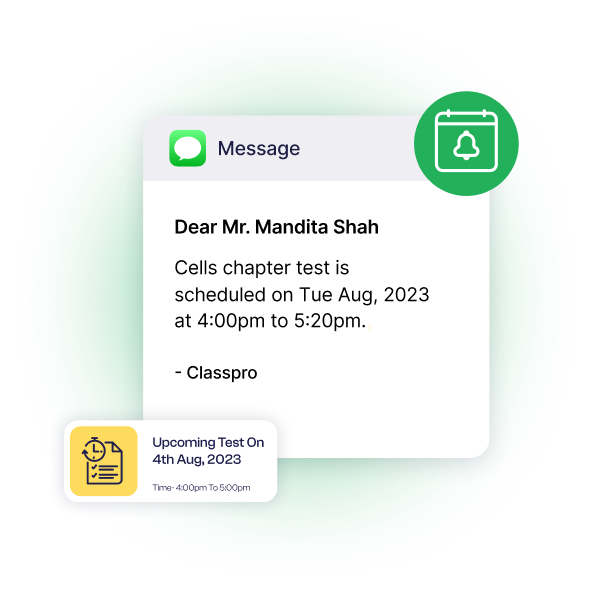
Update and Notify Exam Schedule

Exam Schedule
Teachers or administrators input exam dates, subjects, and other relevant details into the system.

Notification
The system automatically notifies students and parents about the upcoming exams.

Reminder
Students and parents receive reminders closer to the exam dates.
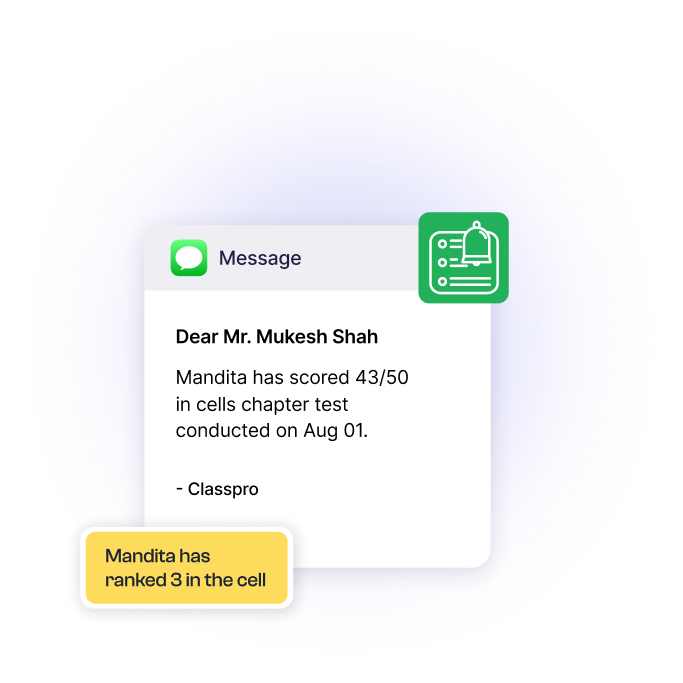
Update and Notify Student Marks to Parents and Students

Mark Entry
Teachers input students' exam scores and performance data.

Automated Notifications
Admin staff manually sends notifications once marks are entered.

Individual Progress
Personalised reports reflecting student performance and progress.
Generated Exam Score Card

Automated Scorecards
The system generates individual scorecards automatically.

Inclusion of Details
Subject-wise marks, grades, and overall scores included.

Access and Distribution
Students and parents can download scorecards anytime.